a_j_mair
Member
Registered: 23rd Jan 04
Location: Scotland
User status: Offline
|
have made a website http://www.kissurcar.co.uk
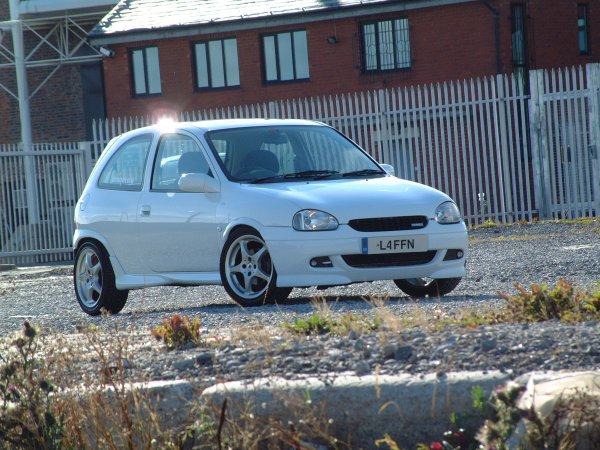
the prob lies with the pics as they are to big and mean you have to scroll across the page. how can i fit it to the page? 
|
mike_1.2LS96
Member
Registered: 23rd Oct 03
Location: Darlington | Mazda 323 1.8 Exec
User status: Offline
|
Either resize in image editing program like photoshop or have it resized in the code:
<img width="500" src="http://www.corsasport.co.uk/carimages/1620/front view.jpg"/>
|
a_j_mair
Member
Registered: 23rd Jan 04
Location: Scotland
User status: Offline
|
you are a clever man 
|
Ian
Site Administrator
 Registered: 28th Aug 99
Location: Liverpool
User status: Offline
|
Don't resize in code! Looks terrible and wastes bandwidth - bonus!
|
Dom
Member
Registered: 13th Sep 03
User status: Offline
|
quote:
Originally posted by Ian
Don't resize in code! Looks terrible and wastes bandwidth - bonus!
man speaks the truth  
resize images and use smaller text, saves space Also, crop images, like the one on the front page, crop the date off it, will make it look more professional
Also mate, if your menu and header is staying the same, then use frames with no borders...will save the clients browser from having to reload pictures, text etc 
[Edited on 23-04-2004 by VisibleMan]
|
a_j_mair
Member
Registered: 23rd Jan 04
Location: Scotland
User status: Offline
|
how do i use frames with no borders??
|
a_j_mair
Member
Registered: 23rd Jan 04
Location: Scotland
User status: Offline
|
please help
|
Nismo
Member
Registered: 12th Sep 02
User status: Offline
|
Google tutorials
|
a_j_mair
Member
Registered: 23rd Jan 04
Location: Scotland
User status: Offline
|
where are they??
|
Nismo
Member
Registered: 12th Sep 02
User status: Offline
|
right here
http://www.google.co.uk/search?q=html+tutorials&ie=UTF-8&oe=UTF-8&hl=en&meta=
|